The tools
Pick a tool, press Apply, turn a dial.
Each tool follows the clip's scale and time selection, and rewrites the notes as you turn a dial. The same Seed always gives the same result, and Dice rolls a new one.
313 Acid Line GENERATORFREE
303-style basslines with accents and slides. Accents come out at velocity 127 and slides as overlapping notes, so any mono synth with legato glide plays them the way a 303 would.
- 5 styles: Classic, Driving, Rolling, Hypnotic, Squelch
- Scale: follows the clip, or pick key and scale
- Dials: Density, Accent, Slide, Jumps (octaves), Vary
- 1/16 or 1/8 steps, 1 or 2 bar patterns that vary each repeat
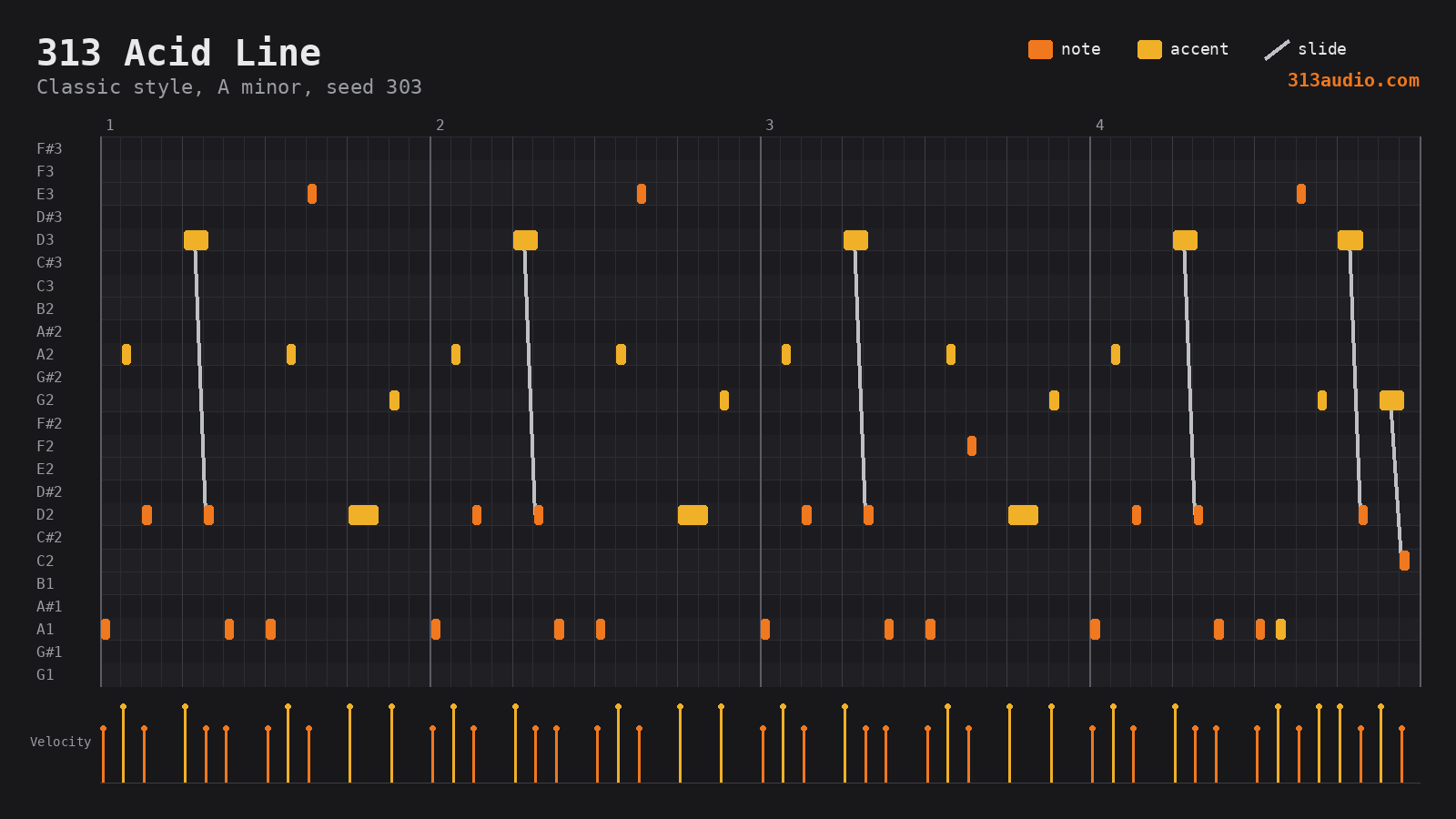
With 313 Techno Drums underneath. Orange notes are normal, amber are accents, silver lines are slides.
313 Techno Drums GENERATOR
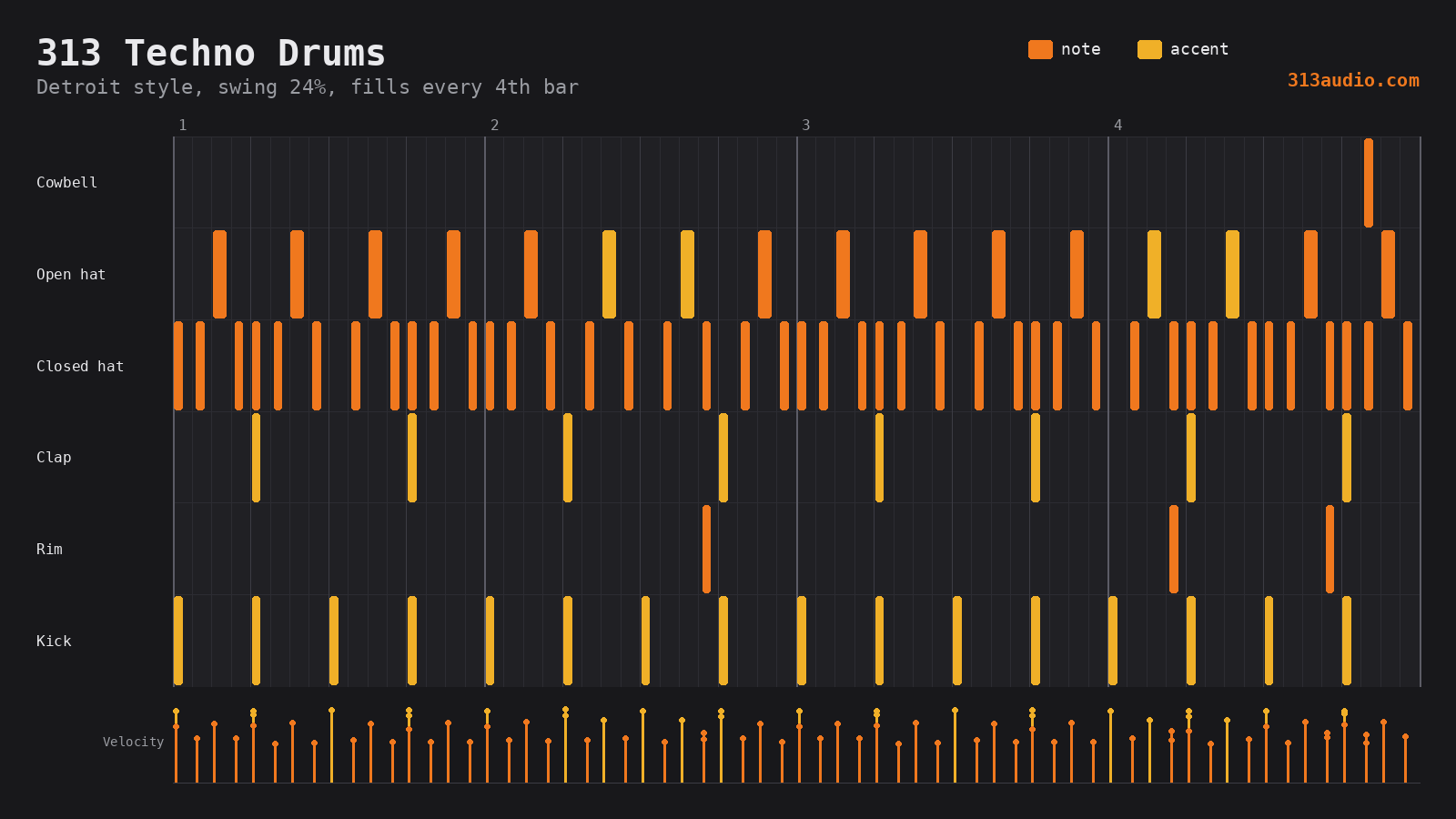
Techno, electro and breaks patterns for any Drum Rack. Notes land on the standard pads, so an 808 or 909 kit plays them with no mapping.
- 6 styles: Detroit, Berlin, Acid, Electro, Dub, Breaks
- Dials: Swing, Hats, Perc, Ghosts, Fills
- Fills at the end of every 4th bar: snare rolls, tom runs, clap stutters
- Human timing and velocity, and a second groove for bars 2 and 4
313 Chord Stabs GENERATOR
Detroit and deep-house chord stabs built from the clip's scale, voiced so each chord moves smoothly into the next.
- 6 rhythms: Offbeat, Dub, 3-3-2, Push, Stutter, Pads
- 6 progressions: from one held chord to i - VII - VI - VII
- Color: triads, 7ths, 9ths, 11ths
- Voicing: close, open or wide with smooth voice leading, or chord memory: one minor or fourths shape moved in parallel
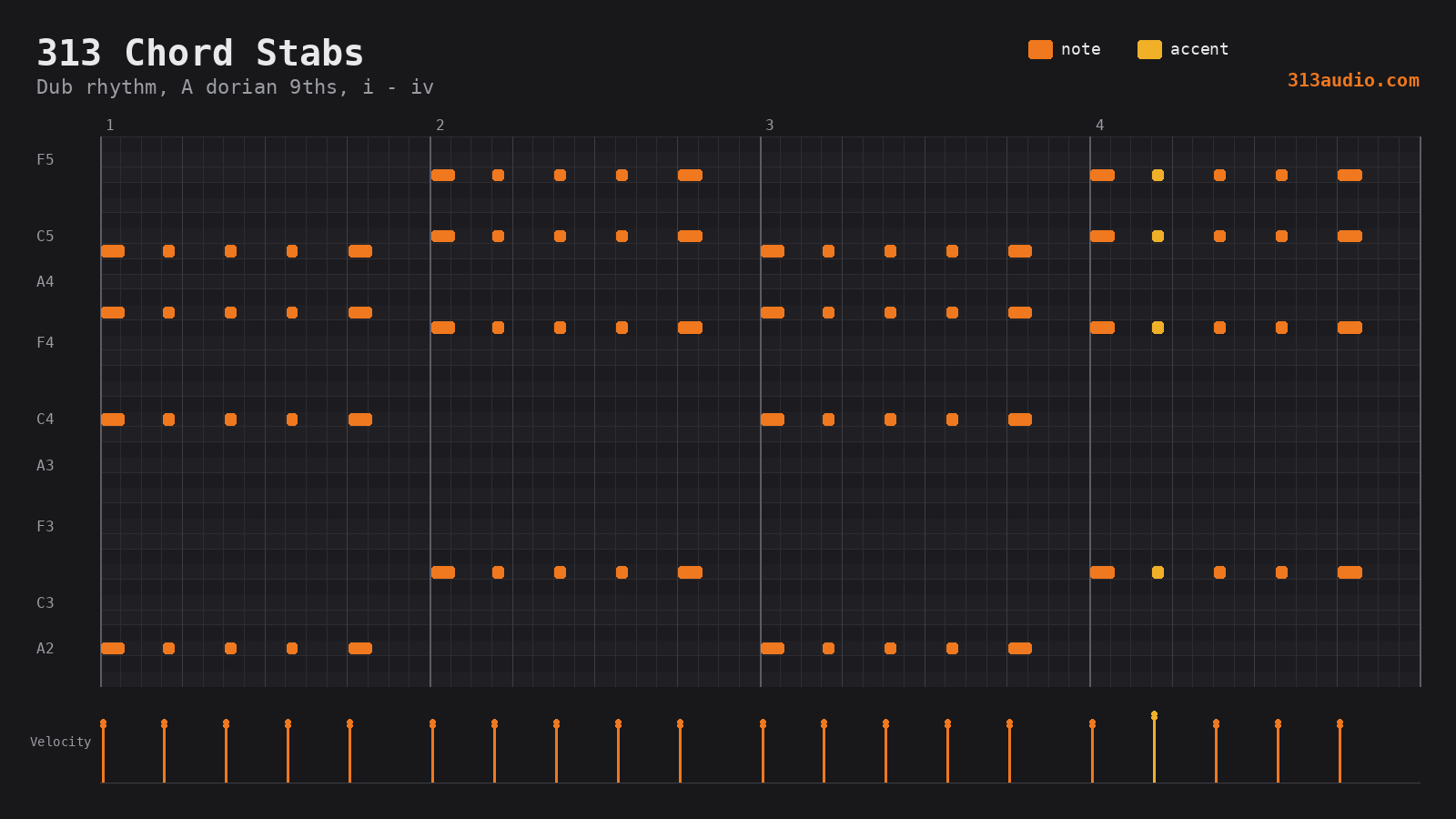
With Techno Drums (Dub style) underneath. Chord memory keeps one minor 9 shape and moves it with the progression.
313 Acidify TRANSFORMATION
Select any notes (a bassline, a melody, even chords) and turn them into a 303-style line: one note at a time, on the grid, short gates, accents and slides.
- Mono: keep the lowest or highest note of each chord
- Fold: move everything into the bass register
- Accents: off-beats, random, or keep your loud notes
- Fill: turns a sparse riff into a busy, rolling line
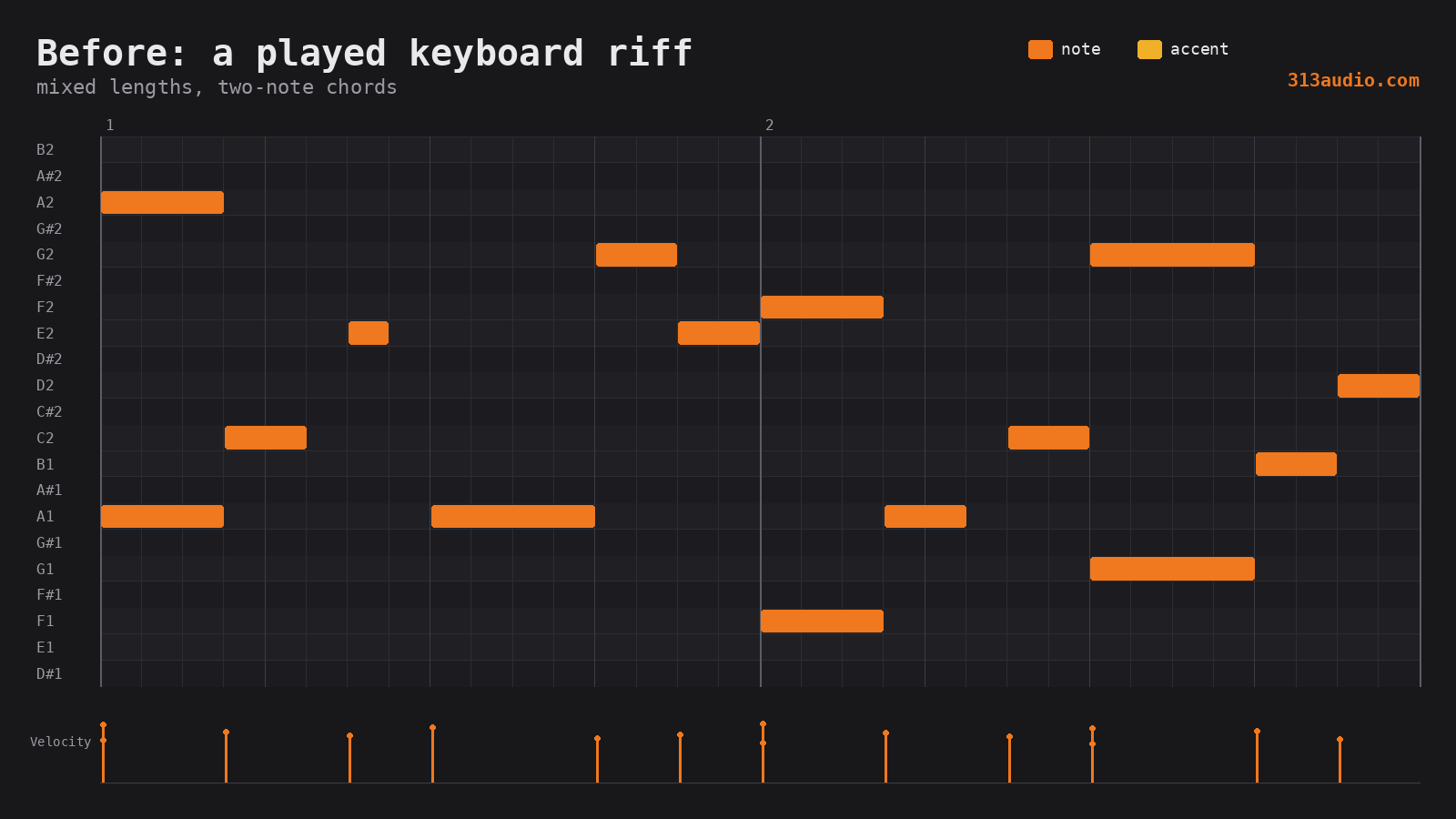
Same riff, played on keys (before) and through 313 Acidify into our 303-style engine (after).